My AI Development Tools Journey: From Hallucinations to Sub-Agents
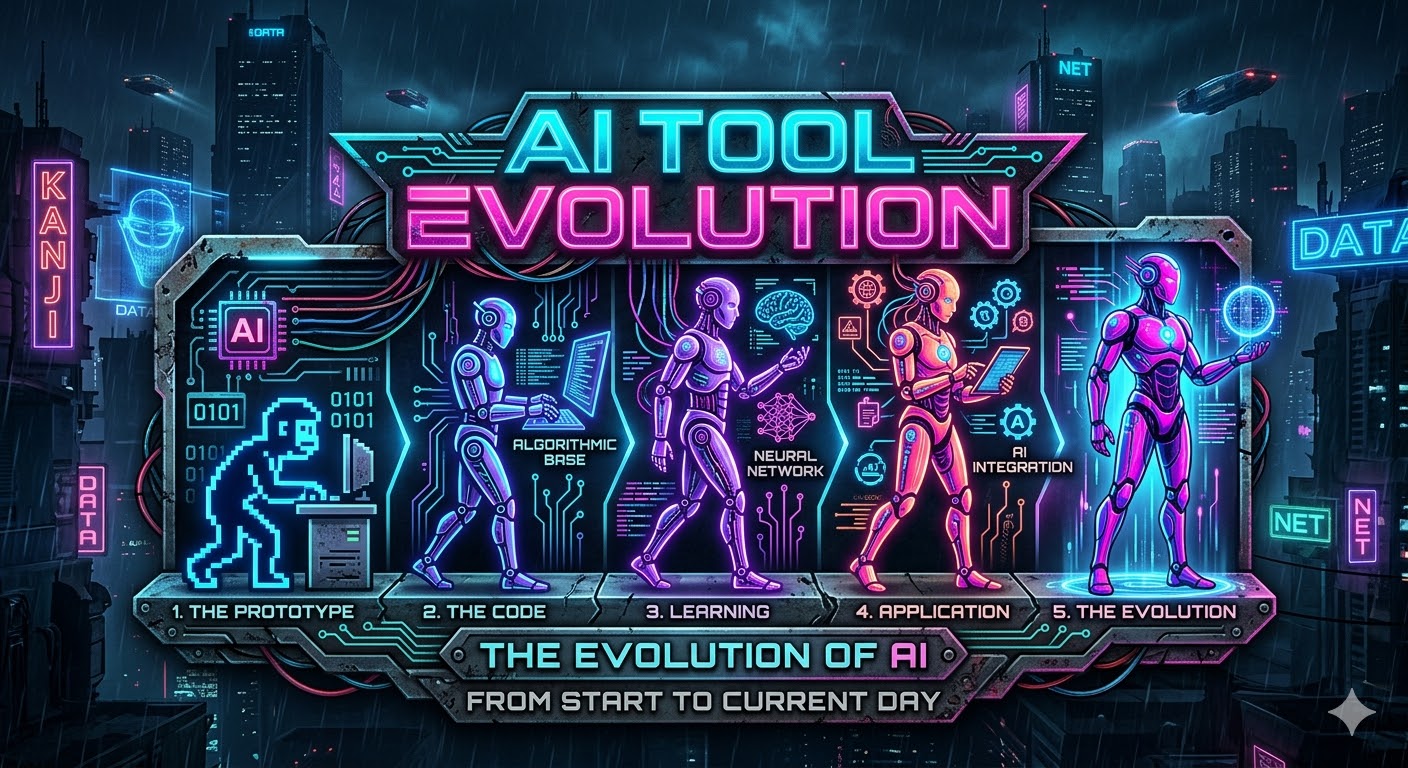
Introduction
If you told me in 2022 that I’d be writing this post largely about AI development tools while using one to help me build my blog, I probably would have laughed. Back then the whole thing felt like a neat party trick — you could ask a chatbot to write some code and it would give you something that looked right but fell apart the moment you tried to actually use it.
Fast forward to today and I genuinely can’t imagine going back to working without these tools. They’ve become as fundamental to my workflow as my terminal or my editor. But it wasn’t a straight line from “this is cool” to “I’m all in.” There were frustrations, dead ends, and a lot of lessons learned along the way.
This post is a chronological walk through my experience with AI dev tools — what worked, what didn’t, and how my thinking evolved. If you’re on the fence about adopting these tools, or if you’ve tried them and bounced off, hopefully some of this resonates.
The Early Days: GPT-3 and 3.5 Turbo (2022-2023)
When GPT-3 and later GPT-3.5 Turbo hit the scene, I was genuinely impressed. You could ask it questions about programming concepts and get surprisingly coherent answers. It felt like having a very articulate rubber duck that had read all of Stack Overflow.
The problem was that it hallucinated. A lot. It would confidently tell you about APIs that didn’t exist, libraries that were never written, and function signatures that were completely made up. You’d spend more time verifying whether the answer was real than you would have spent just googling it in the first place.
For actual code generation it was even worse. You could get it to produce something that compiled maybe half the time, but the logic was usually wrong in subtle ways that were harder to debug than just writing it yourself. The gap between “impressive demo” and “actually helps me ship code” was enormous.
First Working Code: The o1 Moment
Things started to shift when OpenAI released o1. This was the first model I used that could consistently produce code that actually worked. Not perfect code, not production-ready code, but code that did roughly what you asked it to do without completely falling apart.
It still needed significant dev work to get it into a state you’d actually want to ship. You’d often need to restructure things, handle edge cases it missed, and clean up questionable design choices. But the important thing was that it crossed a threshold — it went from “novelty” to “actually saves me time.”
The biggest shift for me was using it as a research accelerator. Instead of opening a browser, googling something, clicking through three Stack Overflow answers, and piecing together a solution, I could just ask and get a working starting point. It wasn’t always right, but it was usually close enough to be useful.
This was the moment I stopped thinking of AI tools as a toy and started thinking of them as a genuine productivity tool.
The Agentic Revolution: Cursor & Windsurf
Then came the agentic tools — Cursor and Windsurf. These were game changers because they weren’t just chat windows anymore. They could actually do things. They could read your files, modify your code, run commands, and work through multi-step tasks.
Scaffolding a new project went from a 30-minute process to something that took minutes. Small changes that would normally require you to touch five files could be described in a sentence and the agent would just handle it. The first time I watched Cursor work through a refactoring task — reading the code, making changes across multiple files, running the tests — it felt like the future had arrived.
For straightforward tasks it was incredible. “Add a new endpoint that does X” or “refactor this function to use Y instead of Z” — these became trivially easy. The AI could see your codebase, understand the patterns you were using, and produce code that actually fit in.
But then I hit the wall.
The Pit of Death
If you’ve used agentic AI tools for any amount of time, you’ve hit this. The agent encounters an error, tries to fix it, introduces a new error, tries to fix that, breaks something else, and before you know it your codebase looks like it went through a blender. Each iteration takes it further from a working state, not closer.
The worst part was that the agent was confident the whole time. It would tell you it was fixing the issue, explain its reasoning perfectly, and then produce code that was somehow worse than what it started with. No amount of context, prompting, or hand-holding could save it. The only option was to ctrl+z your way back to a working state and either do it yourself or try a completely different approach.
This is also where “vibe coders” run into serious trouble. If you’re a traditional software engineer, you can recognize when the AI is going off the rails, step in, and fix things yourself. But if you don’t have that foundation — if you can’t read the code and understand why it’s broken — you’re completely stuck. You can’t prompt your way out of a pit of death if you don’t understand what’s wrong in the first place.
At the time, I thought this was where the permanent value of human software engineers would live. Someone still needed to recognize when the AI was spiralling, step in, and either course-correct or take over. The AI was a powerful amplifier, but it still needed a human hand on the wheel.
Claude Code & The Subscription Model
Claude 3.7 paired with Claude Code represented a significant leap. The model was notably better at multi-step reasoning and the code quality jumped considerably. But what really changed things for me was the access model.
With Cursor and Windsurf you were always bumping into credit limits. You’d be in the middle of a complex task and suddenly you’re out of credits for the month. It made you ration your usage — you’d think twice before asking it to try something speculative, and you’d avoid ambitious tasks because you weren’t sure you had enough runway to finish.
The subscription model blew that wide open. Claude Code’s usage resets every 5 hours instead of monthly, which made a huge difference. Even if you burned through a heavy session, you knew you’d be back up and running in a few hours rather than waiting until next month. It meant you could actually go hard on a problem without that nagging feeling of “am I wasting my credits?”
This fundamentally changed how I approached problems. Instead of carefully hoarding my AI interactions, I could iterate freely. Try something, see if it works, adjust, try again.
Claude 4 and Beyond
Claude 4 brought another significant jump. Multi-file reasoning improved dramatically — it could hold a much better mental model of your codebase and produce changes that actually made sense in context. The code quality reached a point where I didn’t immediately cringe reading it. It followed conventions, handled edge cases, and structured things sensibly.
The pit of death didn’t disappear entirely, but it got much less frequent. The model had become better at recognizing when it was going in circles and would try a fundamentally different approach instead of doubling down on a broken one.
Then came Claude 4.5 and 4.6 with sub-agents and task decomposition. This was another inflection point. Instead of one agent trying to do everything, it could break a complex task into smaller pieces and delegate them. Long-running autonomous work became viable for the first time — you could describe a significant feature and come back to genuinely useful results.
And when it does get stuck now — because it still happens — the experience is completely different. Instead of silently spiralling, it tells you what went wrong, explains what it tried, and suggests options for how to proceed. The pit of death went from a cliff edge to a speed bump.
The Tooling Evolution: MCP, CLI Tools & Skills
One of the less obvious but equally important developments has been the ecosystem around the models. The Model Context Protocol (MCP) was a genuinely great idea — a standard way for AI tools to connect to external services and data sources. In practice though, it had a real problem: context window bloat. Every MCP tool and its description eats into your context, and when you’re connecting to multiple services, you can burn through a huge chunk of your available context before the agent even starts working on your actual task.
This pushed the ecosystem toward CLI tools and leaner integrations. Instead of cramming everything into the context window, you could give the AI access to command-line tools that it calls on demand. Much better context usage, much more scalable.
The skills specification took this further — distilled knowledge and workflows packaged into reusable units. Instead of explaining the same patterns to the AI every session, you encode them once and they’re available whenever needed. It’s the difference between training a new hire every morning and having good documentation they can reference.
I’ve even started bundling Python scripts for operations that need to be deterministic and token-efficient. Some things shouldn’t be reasoned about every time — they should just be executed. Wrapping those in simple scripts that the AI can call gives you the best of both worlds: AI reasoning where it adds value, deterministic execution where it doesn’t.
Vibe Coding vs Spec-Driven Development
There’s been a lot of talk about “vibe coding” — just telling the AI what you want in plain language and letting it figure everything out. I’ve spent a fair bit of time experimenting with both ends of the spectrum: pure vibe coding where you just ask it to create something, and spec-driven approaches using tools like SpecFlow or SpecKit. I’ve even been working on my own workflows and toolkits — I have many failed attempts sitting on my laptop.
What I’ve learned so far is that a mix of the two works best. Don’t lock yourself into a complex spec workflow because you just end up burning lots of tokens for little results. The overhead of maintaining a detailed specification can outweigh the benefits, especially for smaller tasks. But on the flip side, just prompting the AI with vague requests to “build me a thing” creates horrible structure and you’re much more likely to end up in the pit of death.
The sweet spot I’ve found is using a planning mode and getting the plan locked in before the AI starts writing code. Getting that plan 100% right before execution consistently gets better results — especially with Copilot, where the request-based billing means you really want to nail it on the first shot (more on this in the next section).
I’ve also been playing around with machine-readable formats and tooling around them, focusing on capturing intent rather than writing a traditional PRD. This has started to get some genuinely good results. It’s still early days and I’m iterating on the approach, but I’ll write more on this in the future.
AI Tools at Work
The personal side is one thing, but the workplace journey has been its own adventure. For a long time I was using AI chat tools unofficially — just to ask questions and bounce ideas off. I had to be really careful not to leak any sensitive data, which meant a lot of sanitizing and abstracting before I could even ask a question. Useful, but limited.
Eventually we got approval for pilot projects to test out GitHub Copilot. I was excited to finally have something official, but honestly GitHub Copilot surprised me — and not in the way I expected. Coming from Claude Code, it felt like it was lagging behind the innovation curve. The inline suggestions were fine for autocomplete, but the agentic capabilities just weren’t there yet.
That said, GitHub Copilot has been catching up quickly, especially with the CLI tooling. The gap that felt massive a few months ago has narrowed significantly, and it’s clear they’re investing heavily in closing it.
One thing that’s been really interesting is the billing model. GitHub Copilot uses a request-based model instead of consumption-based. This creates some unexpected incentives — crafting a single detailed prompt that kicks off a bunch of sub-agents is very cheap because it’s one request. But having a back-and-forth chat conversation where you’re going back and forth asking questions? That gets expensive fast because every message is a separate request. It really rewards you for being thoughtful and front-loading your context rather than thinking out loud.
It’s actually gotten to the point where I’m paying for my own GitHub Copilot subscription at home alongside my Claude Max subscription. I’ve settled into a workflow where I do the back-and-forth ideation and exploration on Claude Code — where the consumption-based model doesn’t punish you for thinking out loud — and then send the big, well-defined requests to Copilot where the request-based billing makes them cheap. Best of both worlds.
The Future of Humans in Software Engineering
I don’t think AI is going to replace software engineers and put them out of a job. If anything I think we’re going to need more of them. But the role is going to change. Here’s the thing though — software engineering has never been primarily about writing code. It’s always been about understanding systems, solving problems, and making design decisions. The code was just the output. AI is going to make that even more obvious. The role is shifting further toward design, agent management, and troubleshooting. To be honest, troubleshooting has always been a massive part of software engineering anyway, so that’s not as big a leap as it sounds.
The problem is going to be for people who don’t like thinking about the big picture and just want to pick up tickets and make small code changes. Most of that work is going to be handled by AI. I’m already working like this now — I’ll write a heap of prompts to fix small problems and then feed them to four different instances of Copilot or Claude Code and have each one generate a PR for me to review. The grunt work of “change this config value” or “add this validation” just doesn’t need a human typing it out anymore.
On the flip side, AI means software engineers can work across a lot more domains. Instead of being deeply focused on one thing, AI gives you the powers of a mid-level specialist in other fields. I noticed this recently when I had to do a bunch of work with MSSQL. I have a little bit of knowledge of it, mainly from a developer’s point of view — putting data into and out of databases, some TSQL here and there, but not much more than that. With AI tools I was able to set up a complicated replication setup, make it fully automated with PowerShell scripts so we could stand it up automatically, and I even spun up a Windows domain in some test VMs so I could test safely. Without an AI agent that would have taken me ages of reading documentation and upskilling. Instead I had it running in a fraction of the time.
The challenge I can see coming though is how we upskill new people into the industry. We’re going to need to spend more time teaching junior devs systems thinking and less time on the mechanics of writing code. How do you architect a system? How do you debug a distributed problem? How do you manage and guide AI agents effectively? These are the skills that matter now.
That said, I still think it’s important to teach them how to program without AI tools. It’s hard to guide an agent on code quality if you don’t actually know how to code yourself. You need that foundation to know when the AI is producing garbage — otherwise you’re just a vibe coder waiting to fall into the pit of death.
What isn’t helping is AI companies posting sensational headlines about how AI is going to replace all developers and there’s no point in learning software engineering anymore. It makes for great engagement but it’s irresponsible. If we discourage an entire generation from entering the field because they think there’s no future in it, that’s going to bite us hard later when we have fewer software engineers who actually understand systems and can guide these tools effectively. AI needs people who know what good software looks like — scaring them away from the profession is the opposite of what we should be doing.
What’s Next
Right now I’m deep in research on progressive disclosure for AI documentation — the idea that you don’t dump everything on the AI at once, but reveal information as it becomes relevant. It’s a fascinating space and I think it’s going to be critical as these tools take on increasingly complex tasks.
I’m also continuing to iterate on the machine-readable design format I mentioned earlier — focusing on intent over traditional PRDs and building tooling around it. I think there’s something real there and I want to get it to a point where I can share it properly.
On top of that, I’ve got a few upcoming posts planned and some open-source skills releases that I’m genuinely excited about. The tooling layer is where so much of the value is right now and there’s a lot of room for innovation.
Looking back over the last few years, I went from a skeptic to someone who’s all in. The tools went from producing hallucinated nonsense to running multi-step autonomous tasks with sub-agents. The pace of improvement hasn’t slowed down and I don’t think it’s going to.
If you’re still on the fence — just try it. Start small, be patient with the rough edges, and pay attention to how your own thinking changes as you get comfortable. That’s where the real transformation happens.